What Is CRM Software? A Complete Guide for Small Businesses in 2026
Every business starts with customers. But as your business grows, managing customer information, enquiries, follow-ups, quotations, and sales opportunities becomes increasingly difficult. A potential customer may contact you today, ask for a quotation next week, and make a purchase a month later. If these interactions are scattered across WhatsApp, spreadsheets, emails, notebooks, and individual employees' phones, important opportunities can easily be missed. This is where CRM software becomes valuable.
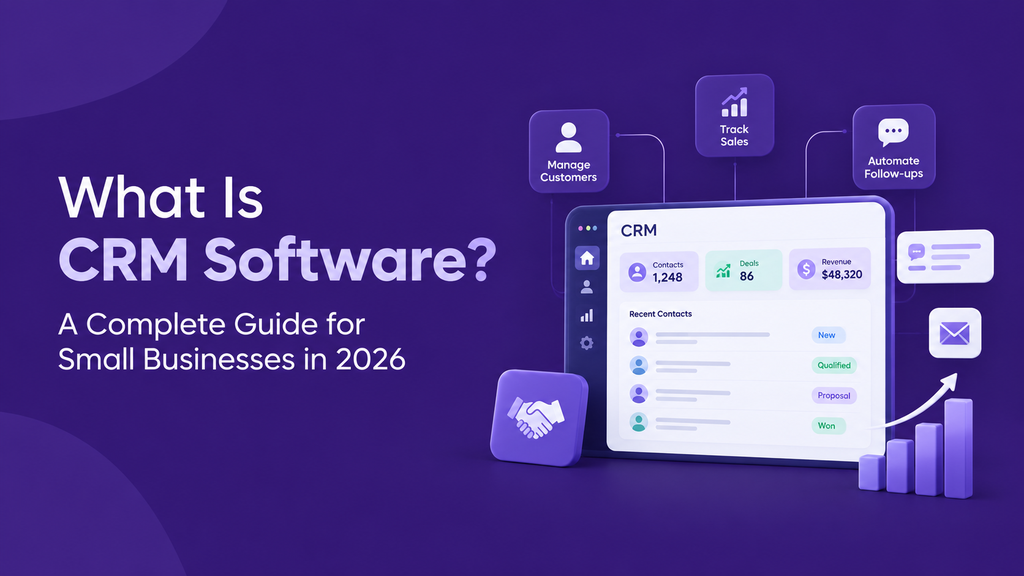
What Is CRM?
CRM stands for Customer Relationship Management.
CRM software provides a central place where businesses can organize leads, customer information, sales opportunities, follow-ups, and other activities related to the sales process.
Instead of searching through different spreadsheets, messages, emails, or notes, your sales team can access the information they need from one system.
A CRM helps answer simple but important questions:
- How many new leads do we have?
- Which leads need follow-up today?
- Which opportunities are close to conversion?
- What is the value of our current sales pipeline?
- Has a quotation already been sent?
- Which leads have not been contacted recently?
- How is our sales team performing?
When this information is organized properly, sales becomes easier to manage.
Why Do Small Businesses Need CRM Software?
Many small businesses initially manage leads using Excel or Google Sheets. This can work when there are only a few enquiries.
But imagine your business starts receiving 50, 100, or even hundreds of enquiries every month. Different team members start updating different spreadsheets. Some enquiries remain in WhatsApp. Follow-up dates are forgotten. Customer information gets duplicated. Management has difficulty understanding the actual sales pipeline.
A CRM creates a structured process:
Lead → Follow-up → Opportunity → Quotation → Customer
This gives both salespeople and management much better visibility.
Important Features of a CRM
Lead Management
Store new enquiries and customer information in one organized location.
Sales Pipeline
Understand where each opportunity currently stands in your sales process.
Follow-up Management
Keep track of activities and upcoming tasks so potential customers don't get forgotten.
Contact Management
Maintain customer and business contact information in a centralized directory.
Quotations
Quickly prepare professional quotations when a prospect is ready to discuss pricing.
Dashboard and Reports
Get a clear overview of leads, opportunities, tasks, pipeline activity, and sales performance.
CRM Is Not Only for Large Companies
One common misconception is that CRM systems are only useful for large sales organizations.
In reality, small businesses can benefit significantly because every lead matters. If a company receives 100 enquiries and loses 10 simply because nobody followed up at the right time, those missed opportunities directly affect revenue.
A simple CRM can introduce structure before the sales operation becomes difficult to manage.
When Should You Start Using a CRM?
You should consider implementing a CRM when customer information is spread across different places, employees maintain separate lead lists, follow-ups are being missed, management cannot clearly see the sales pipeline, quotations take too long to prepare, or you are receiving more enquiries than your current system can comfortably manage.
You don't have to wait until your company becomes large. Building the right sales process early can make future growth easier.
Keep CRM Simple
CRM software should make selling easier — not create additional administrative work.
This is the philosophy behind LABOFCRM.
LABOFCRM is designed for solo sellers, founders, small businesses, and lean sales teams that need a focused way to organize leads, manage their sales pipeline, track activities, and create professional quotation PDFs without unnecessary complexity.
Instead of spending weeks configuring a complicated CRM, businesses can focus on what actually matters: following up with customers and closing opportunities.
Ready to Organize Your Sales Process?
Start building a more organized approach to your customer relationships with LABOFCRM.
LABOFCRM — The Science of Customer Success.